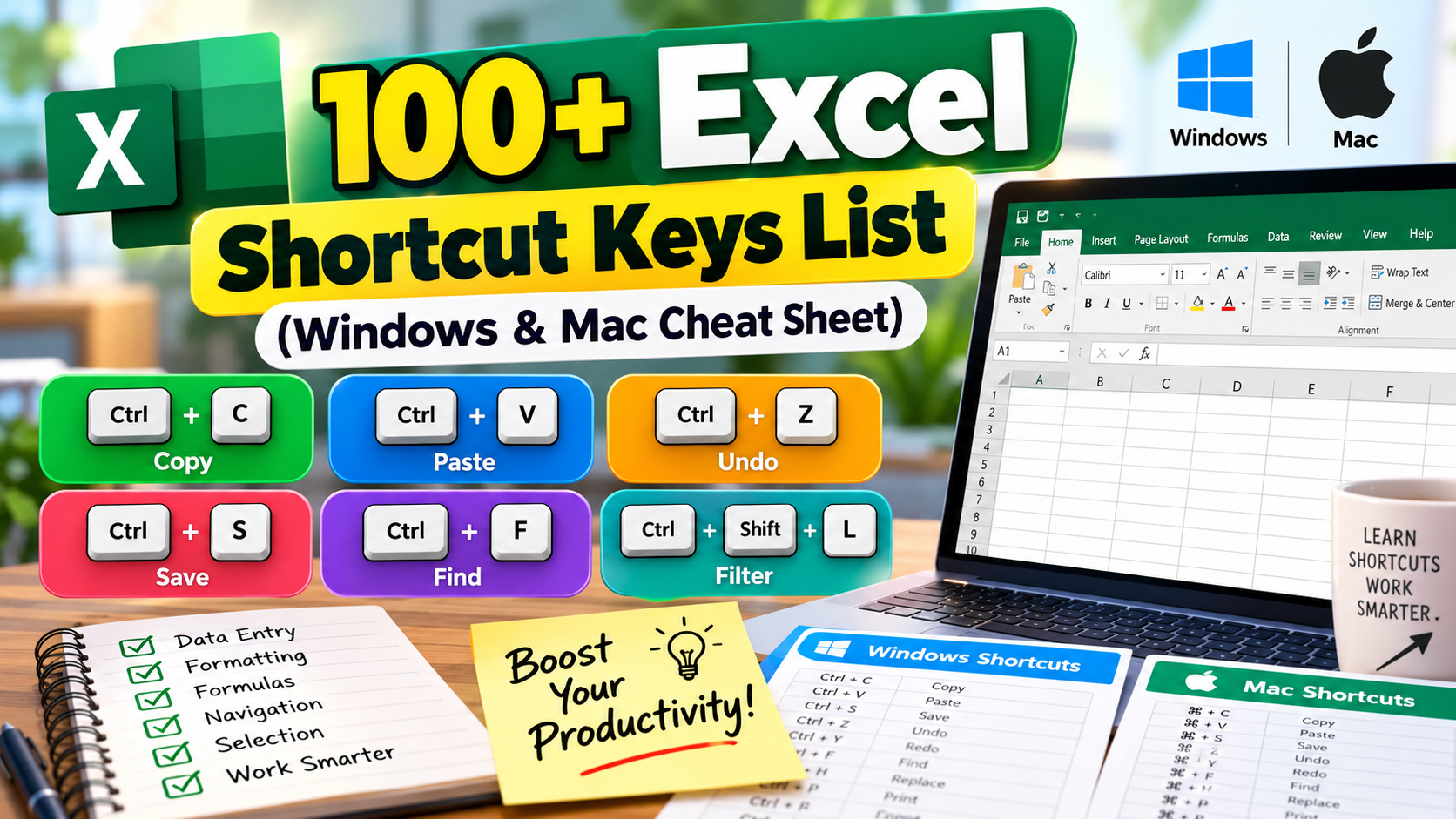
If you use Microsoft Excel every day, for accounts, HR records, sales sheets or school data, the mouse is slowing you down. Learning even 20 of the shortcuts below can save you an hour or more every week.
This list covers the Excel shortcut keys people actually use, grouped by task. All keys are for Windows. On a Mac, most of them work by replacing Ctrl with Cmd (⌘). Exceptions are noted.
Top 10 Excel shortcuts everyone should know
| Shortcut | What it does |
|---|
| Ctrl + C / X / V | Copy / Cut / Paste |
| Ctrl + Z | Undo |
| Ctrl + Y | Redo |
| Ctrl + S | Save |
| Ctrl + F | Find |
| Ctrl + Arrow key | Jump to the edge of your data |
| Ctrl + Shift + Arrow key | Select to the edge of your data |
| Alt + = | AutoSum |
| Ctrl + T | Convert range to a Table |
| F4 | Toggle absolute/relative reference ($A$1) while editing a formula |
File and workbook shortcuts
| Shortcut | What it does |
|---|
| Ctrl + N | New workbook |
| Ctrl + O | Open workbook |
| F12 | Save As |
| Ctrl + P | Print / Print preview |
| Ctrl + W | Close current workbook |
| Shift + F11 | Insert a new worksheet |
| Ctrl + Page Down / Page Up | Move to next / previous sheet |
Navigation shortcuts
| Shortcut | What it does |
|---|
| Ctrl + Home | Go to cell A1 |
| Ctrl + End | Go to the last used cell |
| Ctrl + G or F5 | Go To a specific cell or range |
| Page Up / Page Down | Move one screen up / down |
| Alt + Page Up / Page Down | Move one screen left / right |
| Tab / Shift + Tab | Move one cell right / left |
Selection shortcuts
| Shortcut | What it does |
|---|
| Ctrl + A | Select the current data region (press again for the whole sheet) |
| Shift + Space | Select the entire row |
| Ctrl + Space | Select the entire column |
| Shift + Arrow key | Extend selection by one cell |
| Ctrl + Shift + End | Select from current cell to last used cell |
Editing and data entry shortcuts
| Shortcut | What it does |
|---|
| F2 | Edit the active cell |
| Alt + Enter | New line inside the same cell (Mac: Option + Return) |
| Ctrl + Enter | Fill all selected cells with the same entry |
| Ctrl + D | Fill down from the cell above |
| Ctrl + R | Fill right from the cell on the left |
| Ctrl + ; | Insert today’s date |
| Ctrl + Shift + ; | Insert the current time |
| Ctrl + E | Flash Fill (auto-complete a pattern, e.g. split first and last names) |
| Ctrl + Alt + V | Paste Special (values only, formats only, transpose…) |
| Ctrl + H | Find and Replace |
| Ctrl + K | Insert hyperlink |
Rows and columns
| Shortcut | What it does |
|---|
| Ctrl + + | Insert cells / rows / columns |
| Ctrl + - | Delete cells / rows / columns |
| Ctrl + 9 | Hide selected rows |
| Ctrl + Shift + 9 | Unhide rows |
| Ctrl + 0 | Hide selected columns |
| Alt, H, O, I | AutoFit column width (press one after another) |
Formatting shortcuts
| Shortcut | What it does |
|---|
| Ctrl + 1 | Open the Format Cells dialog |
| Ctrl + B / I / U | Bold / Italic / Underline |
| Ctrl + Shift + $ | Currency format |
| Ctrl + Shift + % | Percentage format |
| Ctrl + Shift + ! | Number format with commas and 2 decimals |
| Ctrl + Shift + # | Date format |
| Ctrl + Shift + & | Add outline border |
| Ctrl + Shift + _ | Remove borders |
Formula shortcuts
| Shortcut | What it does |
|---|
| = | Start a formula |
| Alt + = | AutoSum the cells above or to the left |
| F4 | Cycle through $A$1 → A$1 → $A1 → A1 |
| Shift + F3 | Insert Function dialog |
| Ctrl + ` | Show / hide all formulas on the sheet |
| F9 | Recalculate all workbooks |
| Ctrl + [ | Jump to cells the formula refers to |
Data, filters and charts
| Shortcut | What it does |
|---|
| Ctrl + T | Create a Table |
| Ctrl + Shift + L | Turn filters on / off |
| Alt + ↓ | Open the filter drop-down in a header cell |
| Alt + F1 | Insert a chart on the same sheet |
| F11 | Insert a chart on a new sheet |
| Ctrl + Shift + F3 | Create names from selection |
How to learn these faster
- Start with five. Pick the five you’d use most in your work and use only those for one week.
- Keep a printed cheat sheet next to your keyboard. Seeing it all day builds the habit far faster than bookmarking a page.
- Use Alt key tips. Press Alt once in Excel and letters appear on every ribbon button. You can reach almost any command this way without memorising anything.
Frequently asked questions
Do Excel shortcuts work in Google Sheets?
Many basic ones do, like copy, paste, bold, undo and Ctrl + Arrow. Excel-specific ones such as Ctrl + T or the Alt ribbon key tips don’t. In Google Sheets, press Ctrl + / to see its own list.
Why is a shortcut not working on my laptop?
On many laptops the F-keys control brightness or volume by default. Hold the Fn key along with the F-key (for example Fn + F4), or switch the “Fn lock” in your laptop settings.
What is the shortcut to add a new line inside a cell?
Alt + Enter on Windows, and Option + Return on a Mac.
What is the fastest way to total a column?
Click the cell just below the numbers and press Alt + =, then Enter.